Why it exists
Every Mac fills up, and the Storage bar in Settings won't tell you with what.
The good disk visualizers are either paid (DaisyDisk) or barely maintained
(GrandPerspective). MacDirStat is the third option: free, fast,
native, and it doesn't stop at showing you the problem — it finds the
caches, build folders, and node_modules you can safely delete and
trashes them in one pass.
Whole-disk treemap
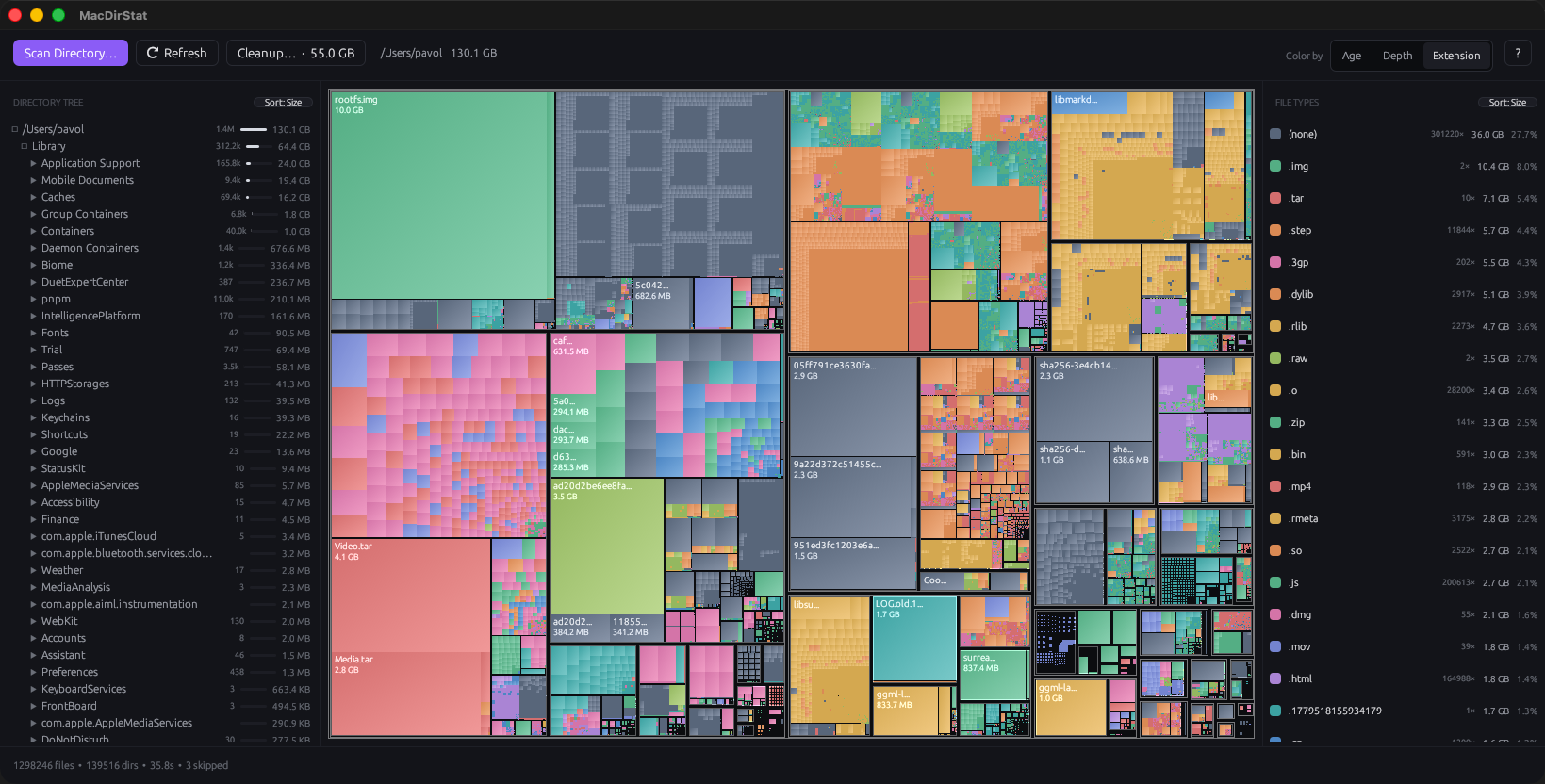
Every file drawn to scale, colored by type, depth, or age. Free and hidden space accounted for, so the picture adds up to your actual drive.
One-click cleanup
Finds Xcode DerivedData, simulators, node_modules, target, Docker, Cargo, Gradle caches — tick what you trust, Trash it, confirm once.
Folder tree + file types
A synced directory list and a per-extension breakdown with sizes, counts, and sort controls. Click the treemap to jump to any location.
Fast, native, Rust
A parallel filesystem walk with live progress. No Electron, no web view — a real Mac app that opens straight into a scan.
One permission, once
Grant Full Disk Access a single time and the per-folder prompts stop. Protected areas you skip just show as Hidden / Skipped.
Private by default
No account, no cloud. Optional usage counts are anonymous, off by default, and never include a file name or path.
Not a cleaner that nags, not a subscription, not a menu-bar
gimmick. A disk map you can act on. Mac-only, on purpose.